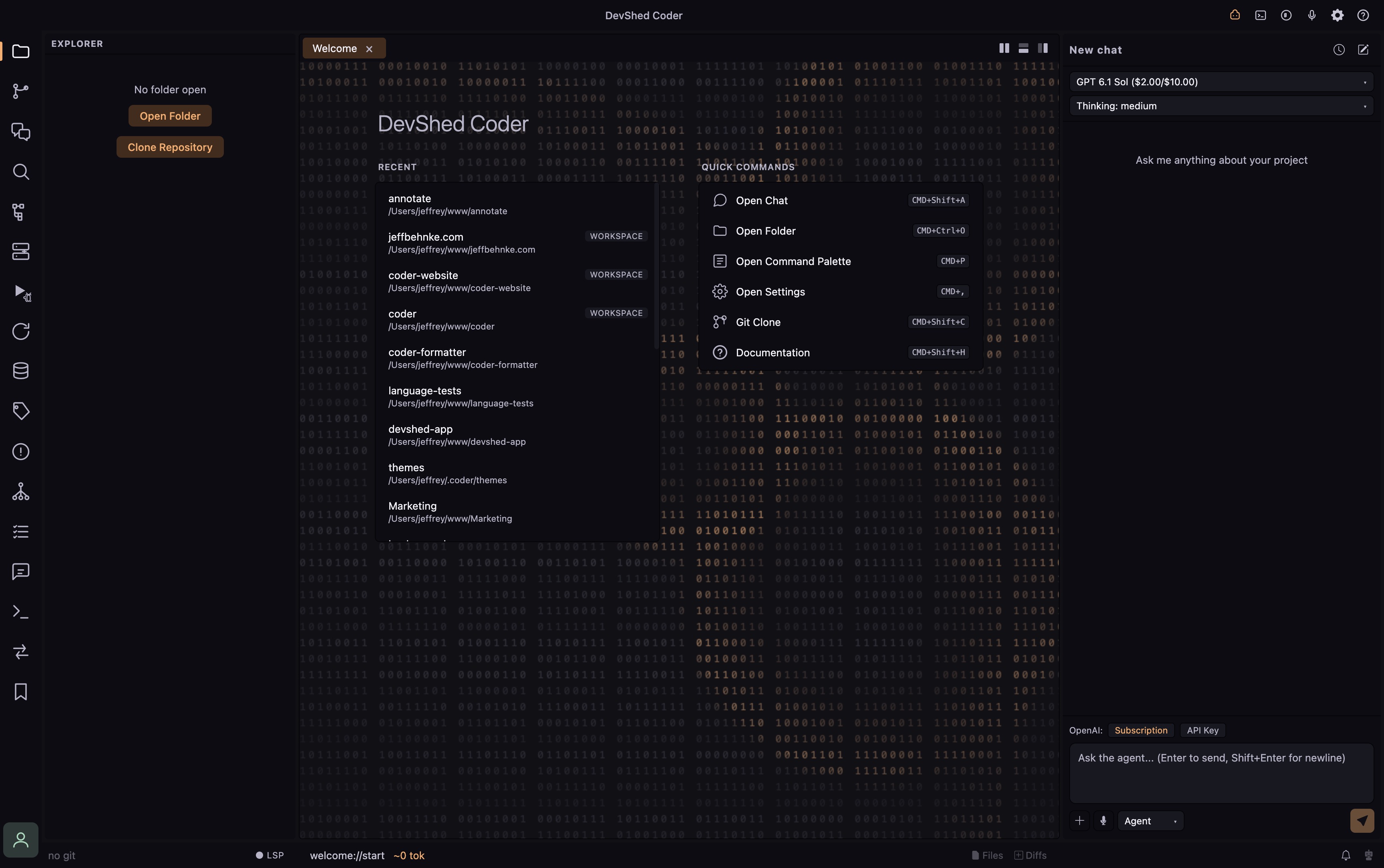
I wanted to stop switching between an editor, database clients, an SFTP client, terminals, and AI chat apps just to work on one project. So I built Coder.
How it started
For decades, I have used or tried just about every editor or IDE under the sun.
PhpStorm was my favorite for a long time. But then AI came along, and the AI tooling connections I wanted weren't coming together as quickly or cleanly as I needed. PhpStorm was also heavy on my system, from disk space to memory and sometimes CPU. From there, I switched to VSCode and struggled. I missed PhpStorm's formatting and language tooling, but I lived with it.
I eventually tried building my own plugins to make VSCode work the way I expected. But I kept running into places where the extension hooks I needed weren't available, at least not in a way that let me do it cleanly.
Fast forward to 2026, and AI models and coding agents had come a long way. I spent much of 2025 and this year diving deep, testing models and pushing them to see what they could do. Still not happy with VSCode, I decided to build my own editor, packed with the development tools I use so I could cut down on the separate applications on my system.
I took 20 years of experience using different editors, along with the last two years of research and experimenting, and made a plan to build a powerhouse editor from the ground up. Not a fork of VSCode. Coder uses Monaco for the editor, Go sidecars for the heavy lifting, and Electron with a React and TypeScript frontend.
Through this process, I kept asking myself: Why do I need a separate SFTP client? Why do I need a specialized terminal or different apps for each database server? Why do I need five different AI chat apps?
For my workflow, I don't need all those separate apps anymore.
That's the idea behind Coder, and especially Coder Pro. One app, one toolbox. Less switching between applications and losing focus or context. The tools I need are right there, a keyboard shortcut away.
Some tooling examples
The Git graph has quickly become one of my favorite tools. It's not just a view of your history. There's a right-click context menu for tagging, cherry-picking, and more, right where you're looking at the commits.
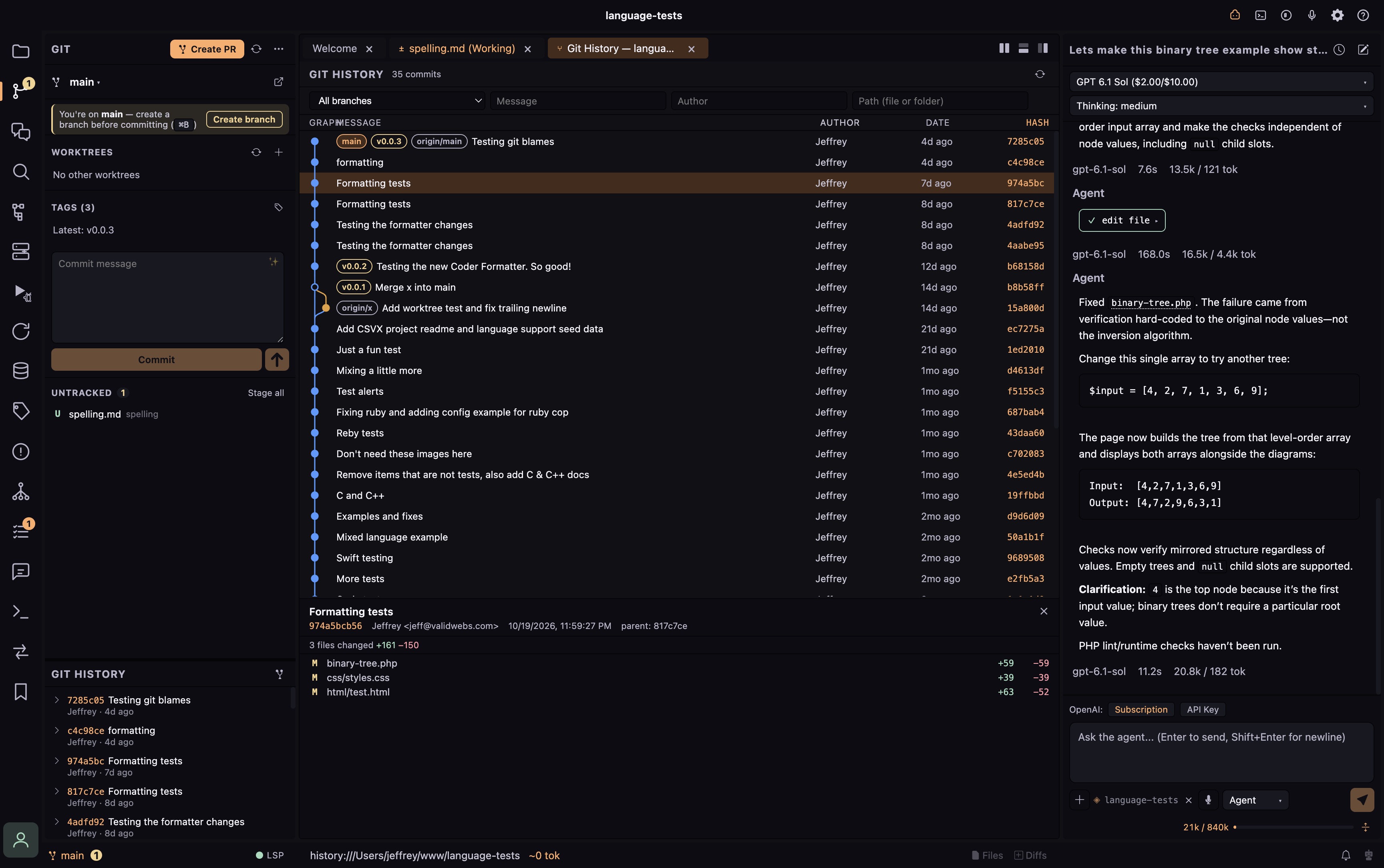
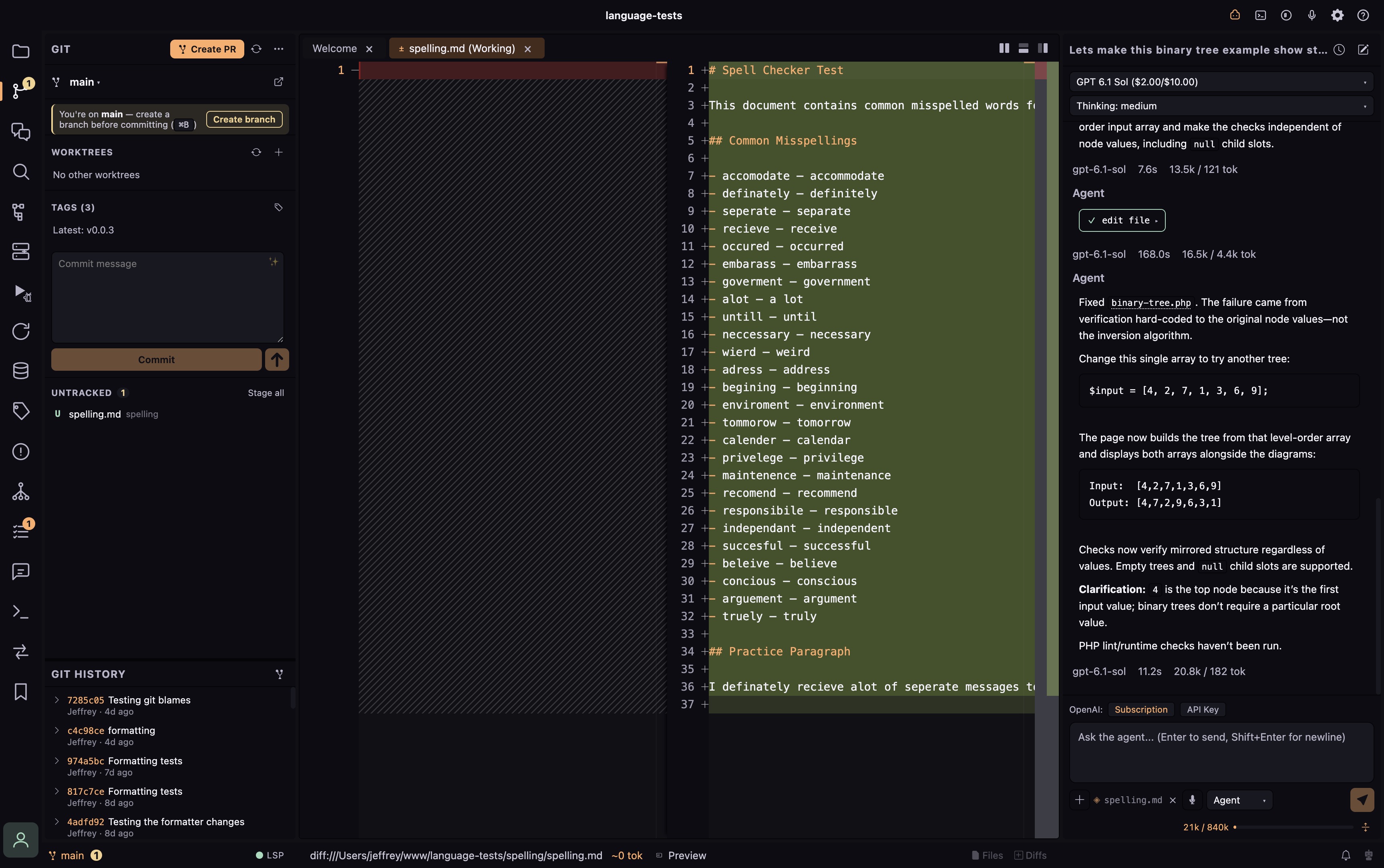
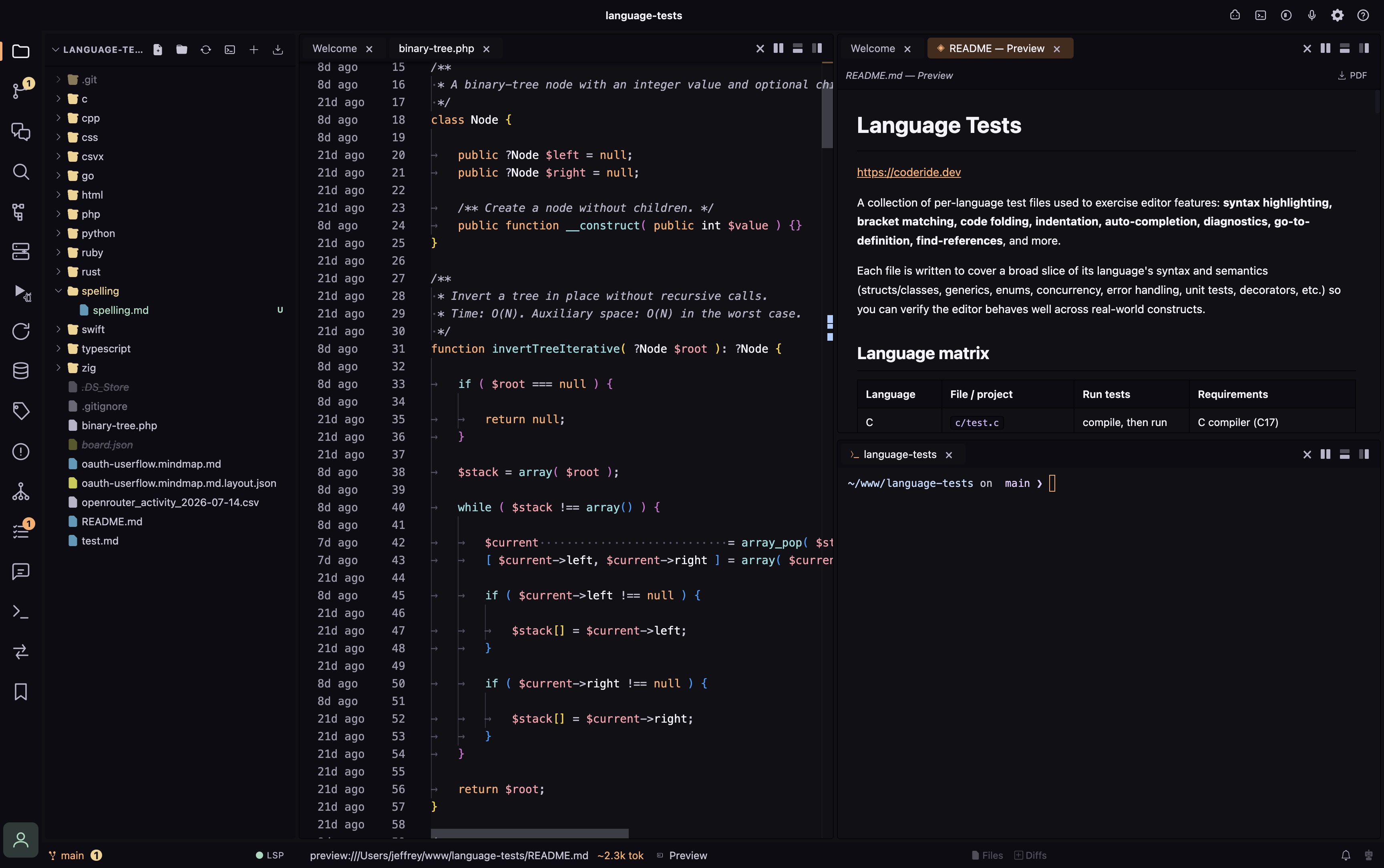
You can also see the AI chat in the screenshots. It supports OpenAI-compatible models, with control over which models you use and a detailed token usage dashboard built in.
Or open a terminal with Cmd+T and use Claude Code, Codex, OpenCode, or whichever CLI tool you prefer. That's one of the things I like most about working in Coder: the terminal, code, diffs, and Git tools are all in the same interface. I don't have to leave the app to see what changed or manage the work.
Pro features
Development is in full motion, and Coder keeps getting better. You already get a lot for free, but Coder Pro really shines when you want to keep more of your workflow in one application.
- GitHub issue and pull request management and reviews
- Live reload
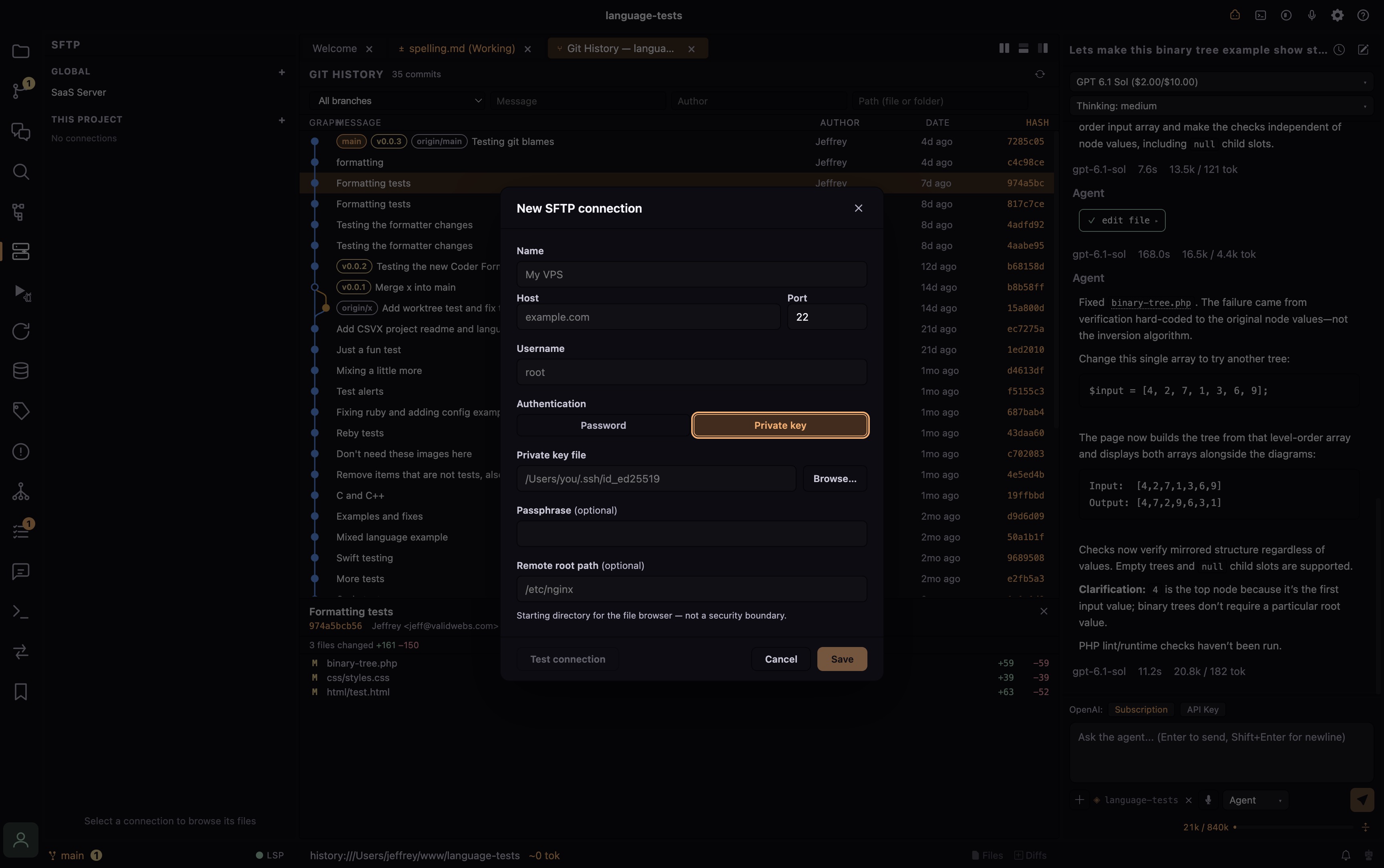
- Full SFTP interface
- REST API testing interface
- Chat history, including Claude Code sessions
- Database connections and editing for SQLite, MySQL, Redis, and PostgreSQL
- Detailed token usage reports with exporting
- Mindmaps, Markdown, and a CSV interface
For my day-to-day work, Coder has replaced PhpStorm, VSCode, and a stack of separate database, file transfer, and terminal apps.
I was able to remove gigabytes of applications from my system because of the tools I built into Coder. Don't get me wrong, those apps are great. But enough with needing a different application for everything.
What's free, and why Pro?
Coder is free to get started, with Pro adding the integrated tools listed above. You can try the editor without buying a license.
A massive amount of work goes into this. I'd love to give everything away, but continued development has to be sustainable. Pro licenses help fund that work while giving you more of the toolbox in one place.
Try Coder, and if it fits the way you work, support its development with Pro.